
WebPJPG
Create a widely compatible JPG with an adjustable quality setting.
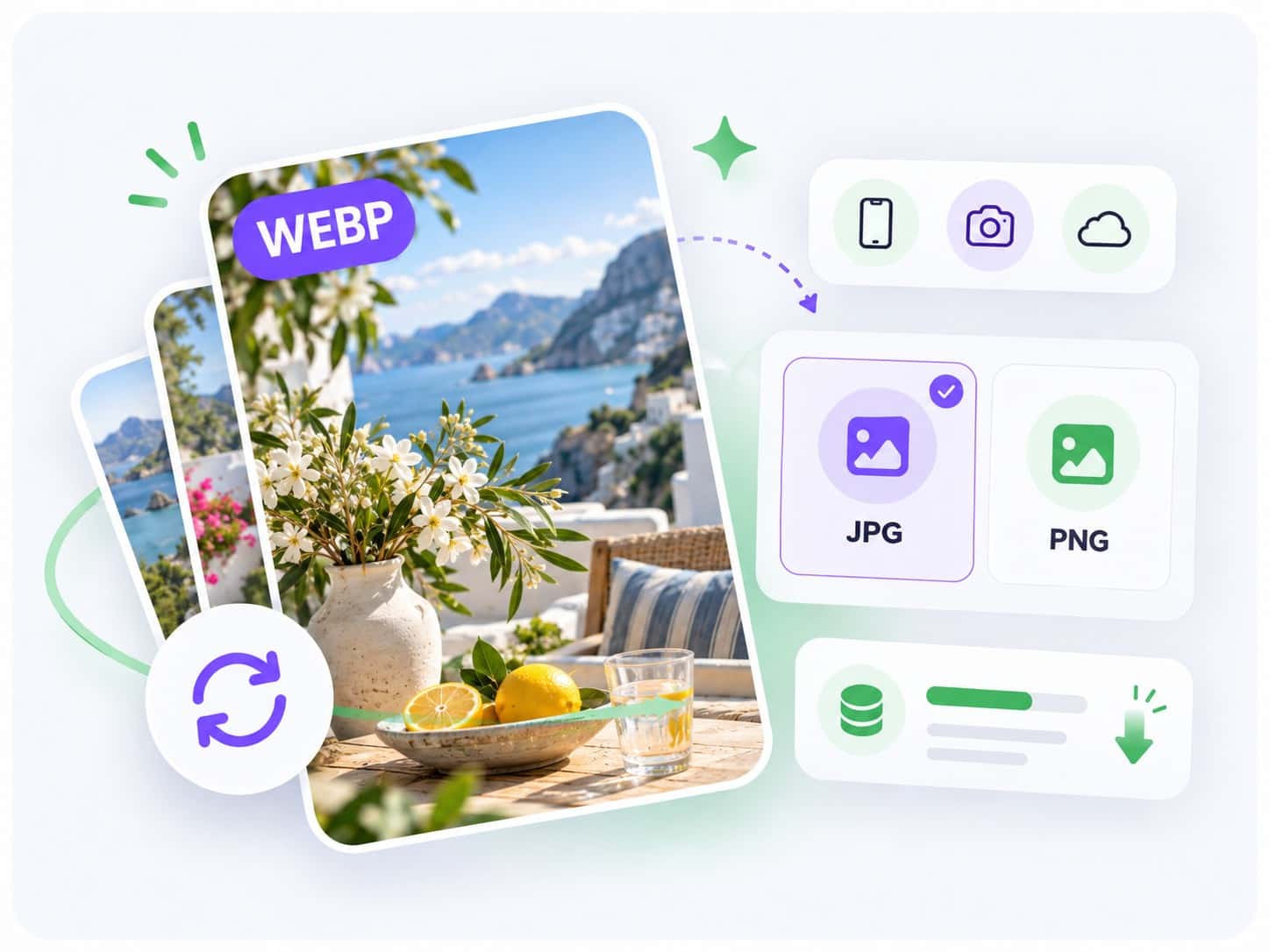
Convert WebP images online in seconds with Noamax free WebP converter. Choose JPG or PNG, process up to 5 files, and download instantly.


 5K+
5K+Your WebP images stay in your browser while Noamax validates the files, produces JPG or PNG outputs, and prepares local downloads.
Choose up to five static WebP images, select JPG or PNG for each file, and use the comparison preview to review the converted pixels.
Choose JPG for broad compatibility or PNG for lossless output that preserves supported alpha transparency.
Create a widely compatible JPG with an adjustable quality setting.
Create a lossless PNG that preserves supported alpha transparency.
Finished converting your images? Take them further with Noamax AI metadata generation. Register to process complete photo and video batches, review titles, descriptions, and intelligently ranked keywords, export ready-to-use CSV files, and join more than 5,000 creators worldwide.
Yes. You can convert up to five WebP images and download the completed files without an account or credit card.
No. Supported WebP files are validated, decoded, converted, and prepared for download locally in your browser.
Static WebP images can be converted to JPG or PNG. Animated WebP files are rejected rather than silently converting only one frame.
Yes, supported WebP alpha transparency is retained in the PNG output.
JPG uses adjustable lossy encoding and cannot contain transparency. Transparent pixels are filled using the selected opaque background.
PNG stores the converted pixels losslessly, while a WebP source may use efficient lossy compression. A larger PNG result is normal for many photographs.