
PNGJPG
Create a photographic JPG and choose how transparent areas are filled.
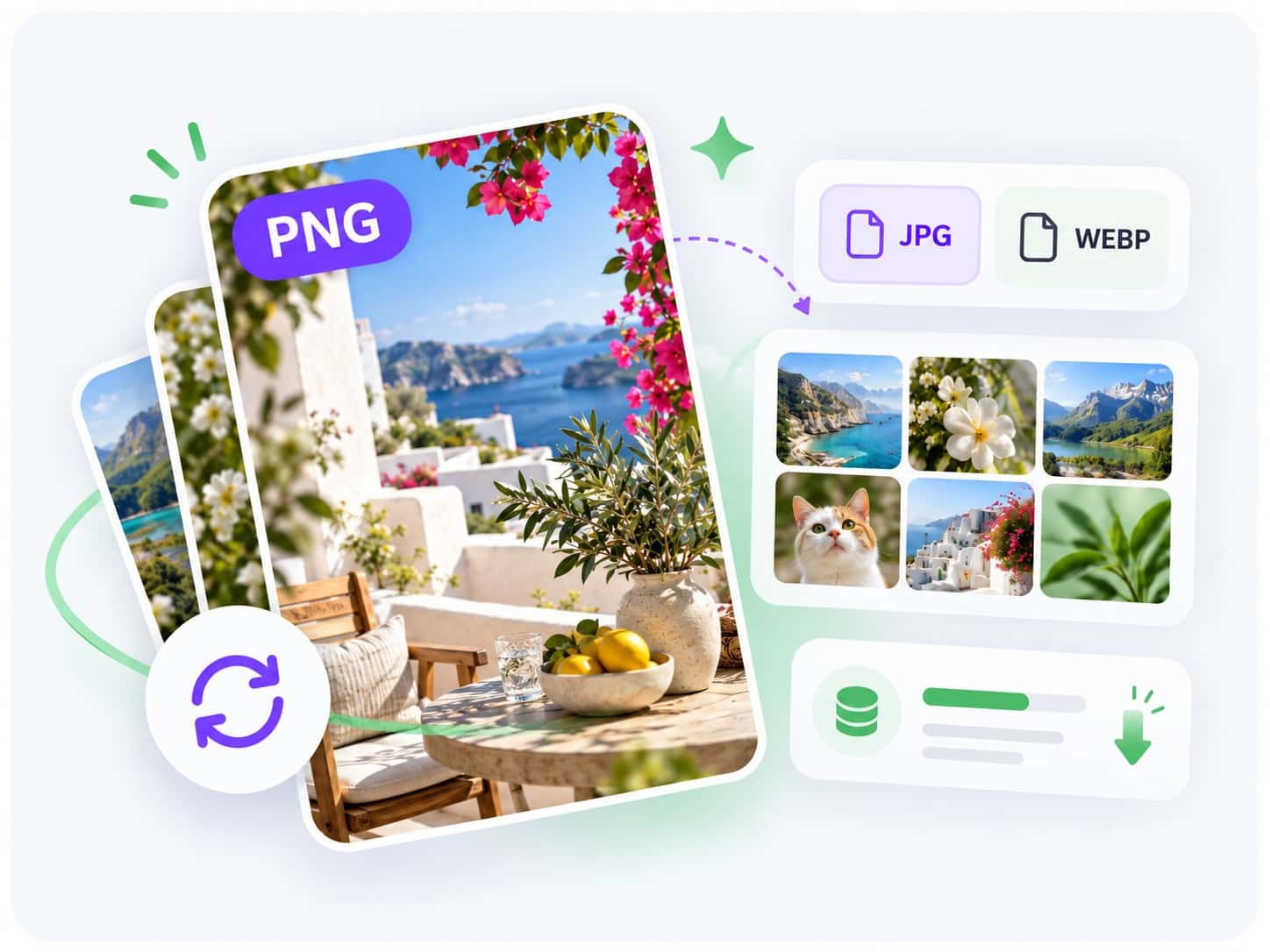
Convert PNG images online in seconds with Noamax free PNG converter. Choose JPG or WebP, process up to 5 files, and download instantly.


 5K+
5K+Your PNG images remain on your device while the browser validates each source, creates the selected output, and prepares the completed download.
Choose up to five static PNG files, convert each one to JPG or WebP, and select a JPG background when a transparent source requires one.
Choose JPG for broad photo compatibility or WebP for a modern format that can retain supported transparency.
Create a photographic JPG and choose how transparent areas are filled.
Create a modern WebP while retaining supported transparency.
Finished converting your images? Take them further with Noamax AI metadata generation. Register to process complete photo and video batches, review titles, descriptions, and intelligently ranked keywords, export ready-to-use CSV files, and join more than 5,000 creators worldwide.
Yes. You can convert and download up to five PNG images at a time without registering or using Noamax credits.
No. Validation, decoding, conversion, comparison, and download preparation happen locally in your browser.
Yes. JPG and WebP are the two available outputs. Each selected PNG remembers its own output and settings.
WebP preserves supported alpha transparency. JPG cannot store transparency, so transparent pixels are composited over the selected opaque background, with white used by default.
This page converts PNG sources to JPG or WebP, which use an encoder-quality control. PNG itself is a lossless source format and is not offered as its own output.
Not always. Output size depends on the source pixels, selected format, transparency, and quality. The measured output size is shown after conversion.