
JPGPNG
Create a lossless PNG container without restoring detail already removed by JPEG.
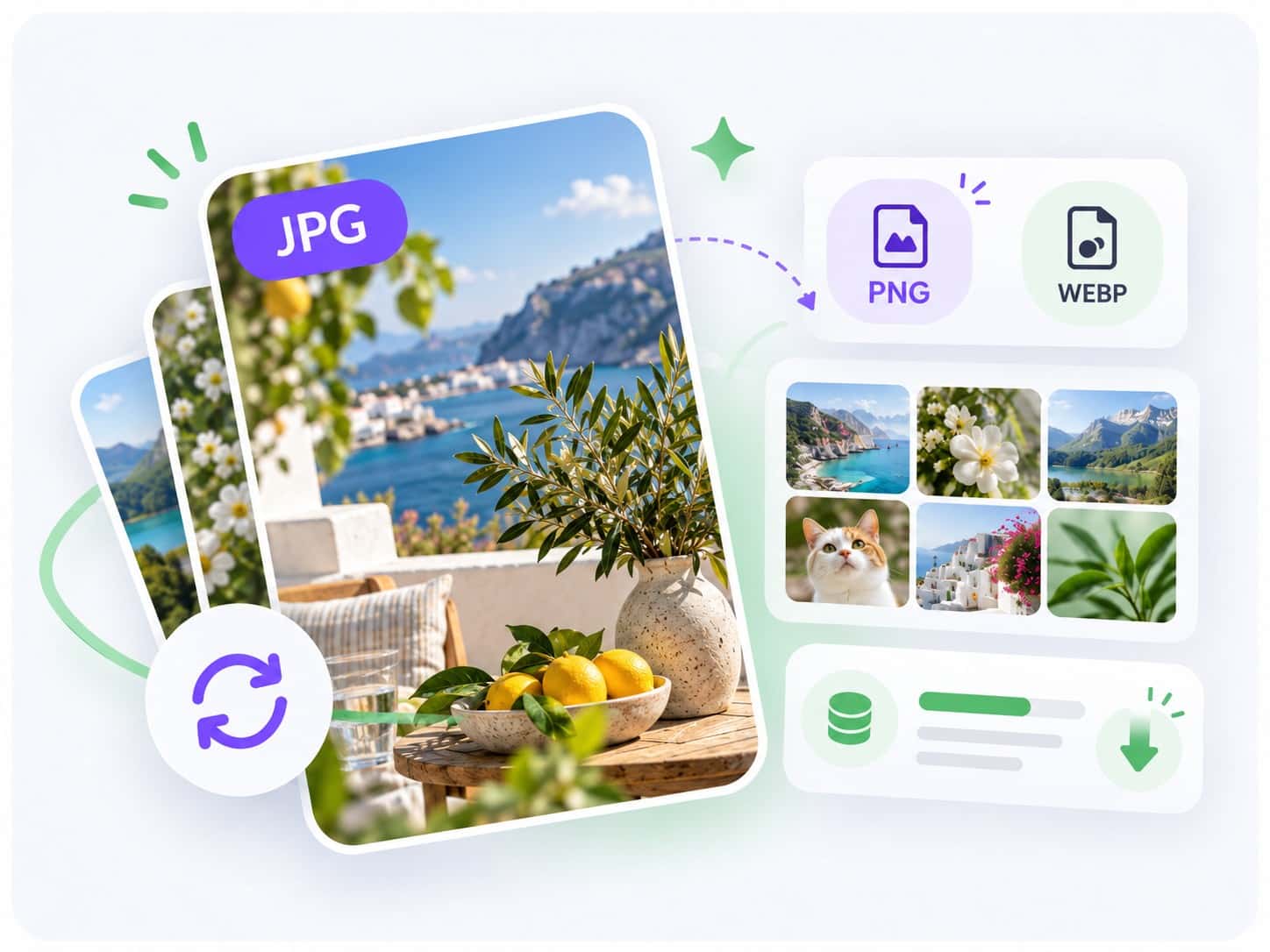
Convert JPG and JPEG images online with Noamax free JPG converter. Choose PNG or WebP, process up to 5 files, and download instantly.


 5K+
5K+Your JPG and JPEG images stay on your device while validation, conversion, comparison, and download preparation happen locally in your browser.
Choose up to five static JPG or JPEG images, select PNG or WebP for each file, and inspect the completed conversion before downloading.
Choose PNG when you need a lossless output container or WebP when you want a modern web format with adjustable quality.
Create a lossless PNG container without restoring detail already removed by JPEG.
Create a modern web image with an adjustable quality setting.
Finished converting your images? Take them further with Noamax AI metadata generation. Register to process complete photo and video batches, review titles, descriptions, and intelligently ranked keywords, export ready-to-use CSV files, and join more than 5,000 creators worldwide.
Yes. You can convert up to five JPG or JPEG images at a time and download the results without an account, credit card, daily allowance, or Noamax credit.
No. The converter validates, previews, converts, and prepares downloads locally in your browser. Your source and converted files are not sent to Noamax.
Each JPG or JPEG image can be converted to PNG or WebP. The converter never offers JPG as an output for an existing JPG source.
Choose PNG when you need a lossless output container or PNG compatibility. Choose WebP for a modern web format with adjustable encoder quality. Neither output restores detail already removed by JPEG compression.
PNG can be substantially larger than a photographic JPG, and WebP size depends on image content and quality. The converter reports the actual output size without promising a reduction.
Browser canvas conversion commonly removes EXIF, IPTC, XMP, and other metadata and may not preserve embedded color profiles byte-for-byte.